
Movavi Video Editor
Create awesome videos easily
When comparing Final Cut Pro vs. Filmora, the choice largely depends on your editing experience, workflow needs, and preferred platform. Both programs can handle regular video editing tasks, but they feel different in everyday use. Final Cut Pro is made for Mac users who need more control over editing, color, sound, and larger projects. Filmora keeps things simpler, with easy tools, built-in effects, and features that help users finish videos faster.
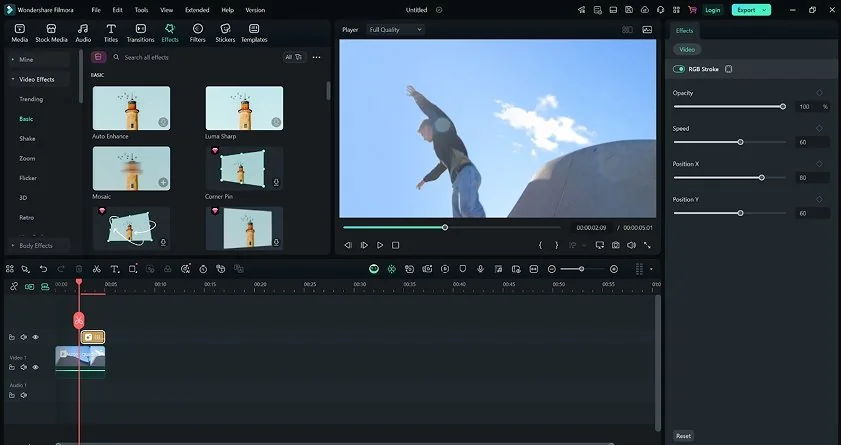
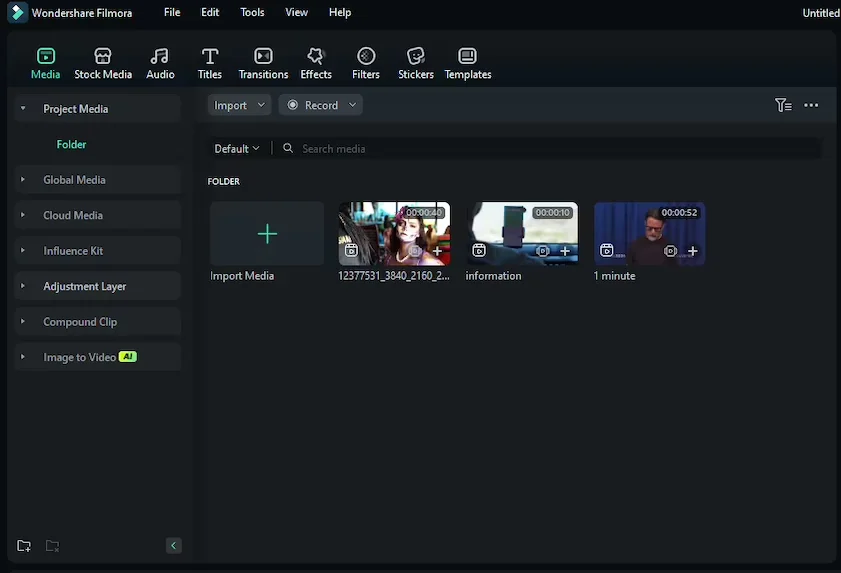
Filmora has a clear advantage when it comes to accessibility. Its interface follows a familiar layout, with media, effects, and editing tools organized in a way that most users can understand within a few minutes. New users are guided by templates, presets, and built-in tutorials, which reduces the time needed to complete a first project.
Final Cut Pro also offers a clean interface, but its workflow is built around concepts that may be unfamiliar to new editors. Features such as the Magnetic Timeline can improve efficiency once learned, yet they often require an adjustment period for users coming from traditional track-based editors.
Both Filmora and Final Cut Pro provide learning resources, including official tutorials and user communities. However, Filmora's simpler workflow and more approachable design make it easier to start editing without spending much time learning the software itself.
Winner: Filmora. Its intuitive interface, guided onboarding, and lower learning curve make it the more accessible choice for most users.
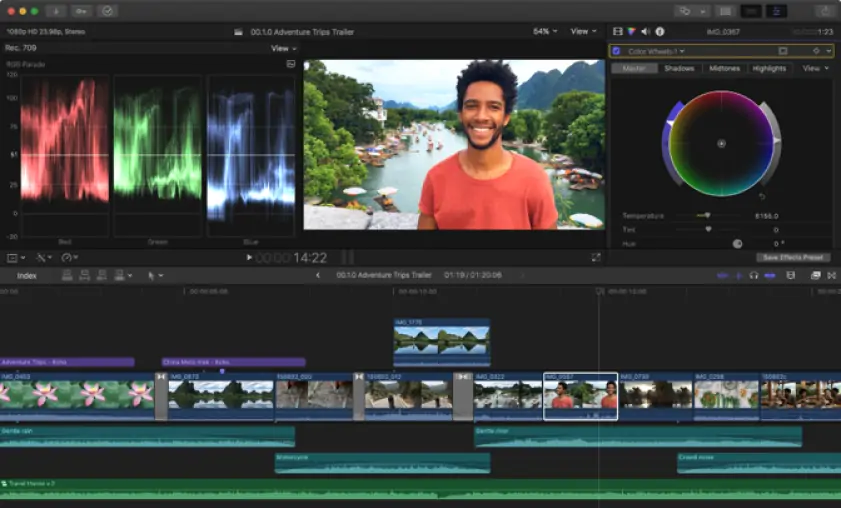
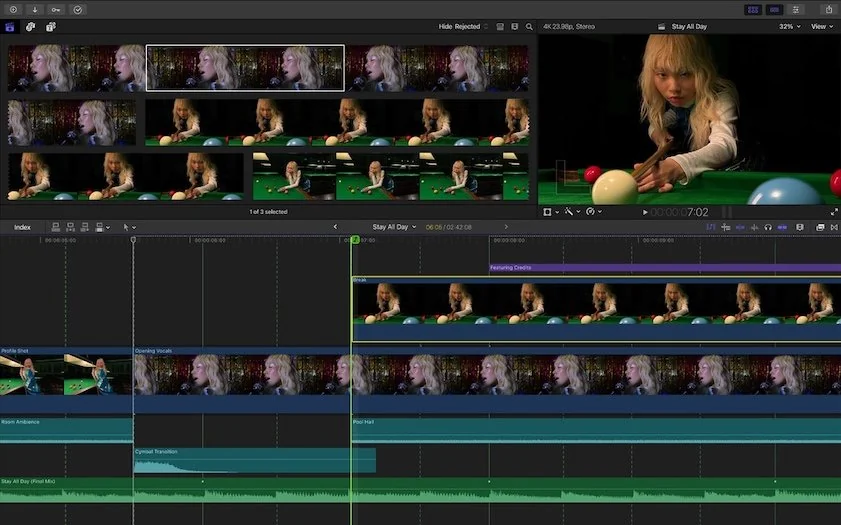
Final Cut Pro is built around features that become increasingly useful as projects grow in size and complexity. The software includes tools for synchronizing and editing footage from multiple cameras, dedicated color correction and HDR tools, extensive codec support, and advanced audio organization through Roles. Editors who create custom graphics and animated titles can also extend the software through integration with Apple Motion. Final Cut Pro also includes several AI-assisted tools, which we will cover in more detail later.
Unlike Final Cut Pro, Filmora focuses on speed and accessibility. It includes motion tracking, a large collection of effects, transitions, and templates, along with an expanding set of AI-driven editing tools. For many creators, these features are enough for producing YouTube videos, social media content, training materials, and marketing projects. At the same time, Filmora provides fewer options for media organization, audio mixing, color work, and multicamera editing.
Winner: Final Cut Pro. Filmora covers the needs of most creators, but Final Cut Pro is better equipped for multicamera productions, advanced color correction, and professional post-production tasks.
Performance is one of the areas where Final Cut Pro stands out. The software is heavily optimized for Apple Silicon, allowing it to handle high-resolution footage, complex timelines, and demanding codecs with smooth playback and fast export speeds. GPU acceleration is deeply integrated into the application, which helps reduce rendering times and keeps editing responsive even as projects become more demanding.
Filmora also benefits from hardware acceleration on both Windows and Mac. For typical projects involving social media content, tutorials, or marketing videos, performance is generally reliable and export times are competitive. However, as project sizes increase and timelines become more complex, the difference between the two editors becomes easier to notice.
Stability is another strength of Final Cut Pro, particularly during long editing sessions and larger productions with substantial media libraries. Filmora remains dependable for everyday editing, but it is not designed around the same production requirements.
Winner: Final Cut Pro. Its optimization for Apple hardware, strong rendering performance, and ability to handle large projects give it a clear advantage in this category.
Final Cut Pro is available as a one-time purchase and may also be offered through Apple's Creator Studio subscription bundle in some regions. Filmora offers subscription plans and perpetual license options, though pricing structures can vary by region.
Filmora provides a free version, but exported videos include a watermark. Final Cut Pro does not have a free version, although Apple offers a 30-day trial with access to the full feature set.
Winner: Depends on your needs. Filmora has a lower entry cost and a free version for testing, while Final Cut Pro may appeal to users who prefer Apple's ecosystem or the option of a one-time purchase.
Platform support is one of the clearest differences between these editors. Final Cut Pro is available only on macOS and iPadOS, so it is primarily aimed at users who already work within Apple's ecosystem. In exchange, it benefits from close integration with Apple hardware and technologies, including optimization for Apple Silicon and support for formats such as ProRes.
Filmora takes a broader approach. It is available on both Windows and Mac, with companion versions for Android and iOS. This gives users more flexibility when choosing devices and makes it easier to move between different operating systems without changing editing software.
For users committed to Apple devices, Final Cut Pro fits naturally into an existing workflow. Those who work across multiple platforms may find Filmora's wider availability more practical.
Artificial intelligence has become a significant part of both editors, although the available tools are not identical.
Final Cut Pro includes:
Filmora includes:
Final Cut Pro's AI capabilities are largely tied to editing and media analysis. Features such as automatic caption generation, transcript-based search, and intelligent reframing are designed to reduce time spent on routine tasks.
Filmora offers a broader collection of AI tools. In addition to editing assistance, it includes features for audio cleanup, subject isolation, image generation, and background removal, allowing users to perform tasks that would otherwise require separate tools or manual adjustments.
Final Cut Pro pros
Excellent performance on Apple Silicon
Advanced multicam editing tools
Professional color grading capabilities
Strong codec and format support
One-time purchase option
Final Cut Pro cons
Available only on Apple devices
Steeper learning curve
Higher upfront cost
Filmora pros
Easy to learn and use
Available on Windows and Mac
Large library of effects and templates
Broad range of AI-powered tools
Free version available
Filmora cons
Watermark in the free version
Fewer professional editing features
More limited color and audio tools
Less suitable for complex post-production workflows
The strengths of Final Cut Pro and Filmora tend to show up in different types of projects, which is why they often attract different groups of users.
In the Filmora vs. Final Cut Pro comparison, neither editor clearly outperforms the other in every category. Final Cut Pro distinguishes itself with stronger support for multicamera productions, advanced color work, and high-end delivery formats, while Filmora places greater emphasis on accessibility, creative assets, and AI-assisted capabilities.
The better choice depends on the type of projects you edit most often and the features you value most.
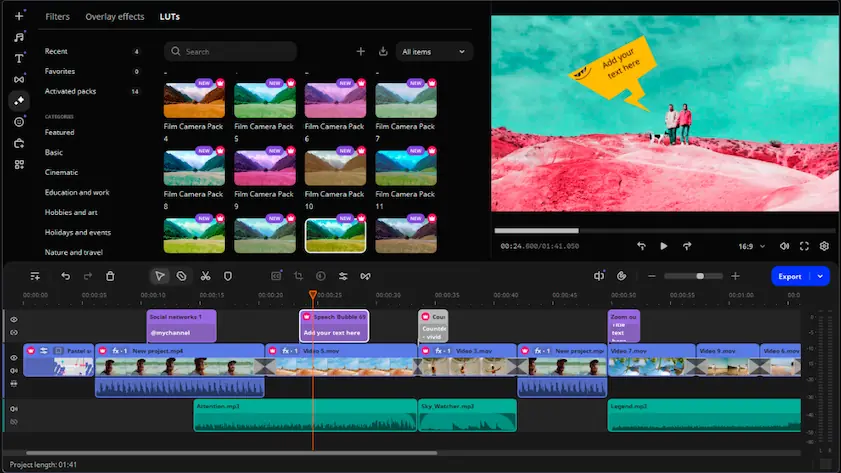
If neither Final Cut Pro nor Filmora feels like the right fit, Movavi Video Editor is worth a closer look. It combines an intuitive interface with a versatile set of editing tools, helping you create polished videos without a lengthy learning process. You can work with effects, transitions, titles, motion tracking, screen recordings, and AI-powered features in a workspace that is easy to navigate from the start. Available for both Windows and Mac, Movavi Video Editor offers a practical balance of simplicity and creative flexibility for those who want more capabilities without moving to a complex professional editor.

Yes. Filmora is designed to help new editors start creating videos quickly, with clearly organized tools, templates, and ready-made effects. Final Cut Pro includes many more professional features and project management options, which can take longer to become comfortable with if you are new to video editing.
Yes. Filmora is capable of producing professional-quality videos and is widely used for YouTube channels, marketing content, online courses, and business projects. However, editors working on complex productions may benefit from the more advanced post-production tools available in Final Cut Pro.
It can be, especially if you edit on a Mac and expect your editing needs to grow over time. While there is more to learn initially, Final Cut Pro provides access to professional tools that can support more demanding projects in the future.



1.5M+ users already subscribed to our newsletter