
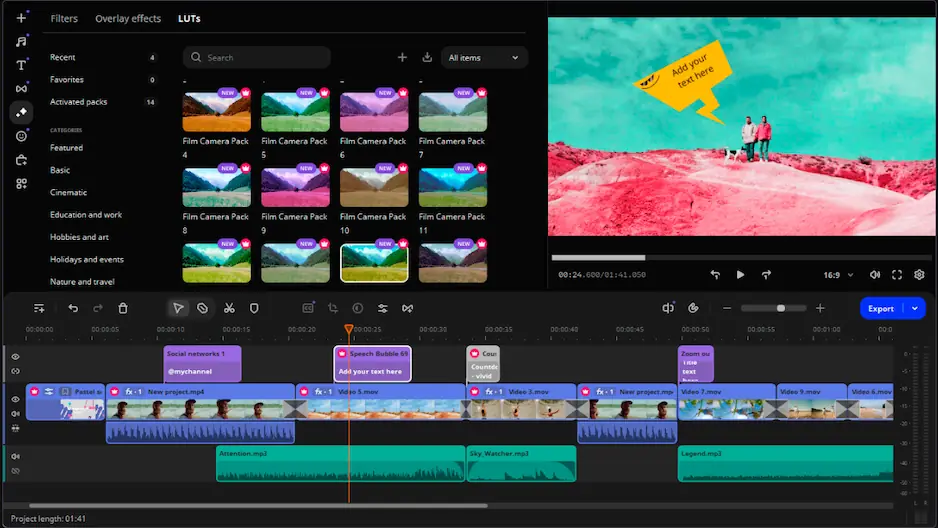
Best for: beginners filming lifestyle vlogs, unboxings, game highlights, or YouTube explainers on a Windows PC or Mac.
Price and platforms: Windows and macOS. Movavi Video Editor Free (60-second cap, watermark); full version from Movavi Video Editor/month.
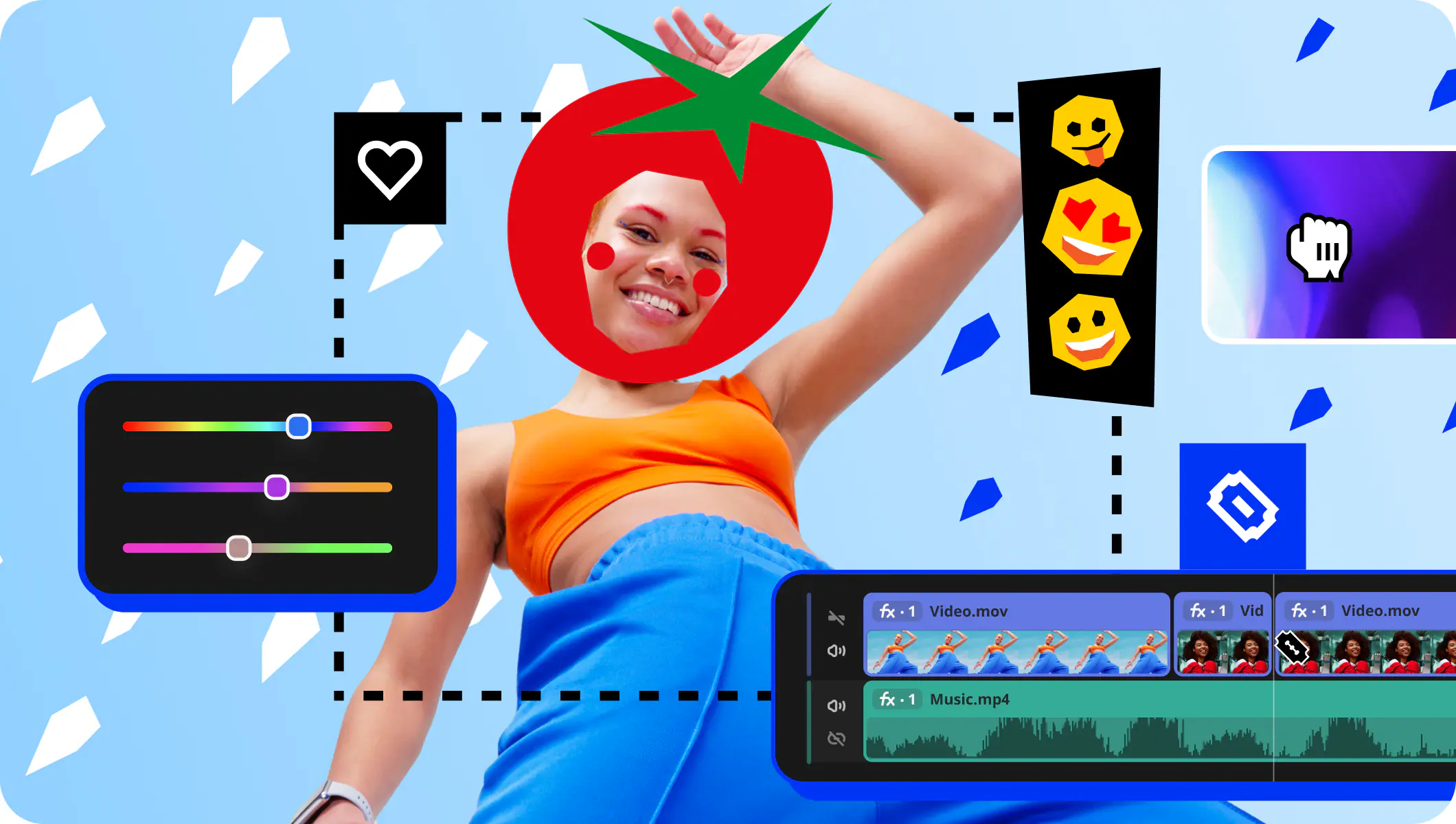
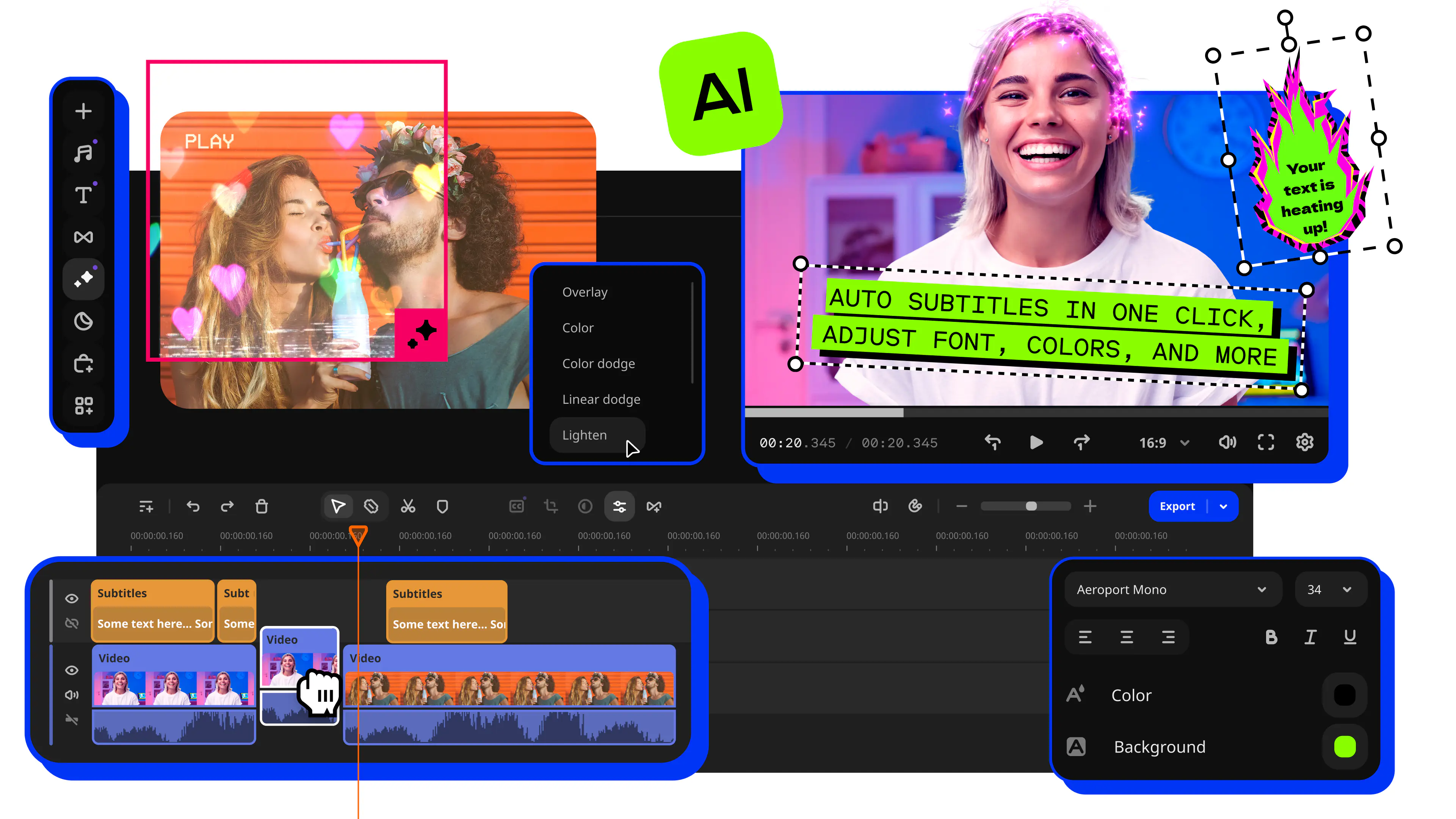
Why we picked it: Movavi Video Editor is an intuitive video editor with customizable video templates, one-click AI tools, and hundreds of drag-and-drop effects. In this desktop app, you hover over a clip or transition to preview it, drag it onto the timeline, and let one-click tools take care of the tedious parts like captions and dead air, so your first vlog export already looks finished. Built-in effects and copyright-free music cover a channel intro, transitions, and background tracks, and the optional Movavi Effects subscription adds 10,000+ effects and 1,500+ tracks across themes like blogs and holidays, all previewable on your own footage before you buy. For the next upload, Movavi Ideas posts a new editing trick with a step-by-step tutorial every week, free. Movavi software already has 70M+ users in 190+ countries, and the editor gets 25+ updates a year, with recent ones adding auto silence removal and AI motion tracking.
Key features:
- AI subtitles: speech becomes captions in 100+ languages with high transcription accuracy; pick one of 60+ designs and turn on word-by-word highlighting synced to the audio.
- Silence removal: pauses in a sit-down vlog are found and cut automatically, with adjustable thresholds.
- AI audio noise removal: traffic, wind, and steady hum drop out in one click while your voice stays sharp.
- Auto-tracked cropping: reframes a horizontal video into a vertical Short and keeps you centered as you move.
- Templates: Movavi Video Templates is a multi-style library of customizable, pro-looking, modular templates for any kind of video. Each template is a ready-made project built from Blocks, short pre-edited segments you fill with your own clips; several come with the full version.