1. Movavi Video Editor
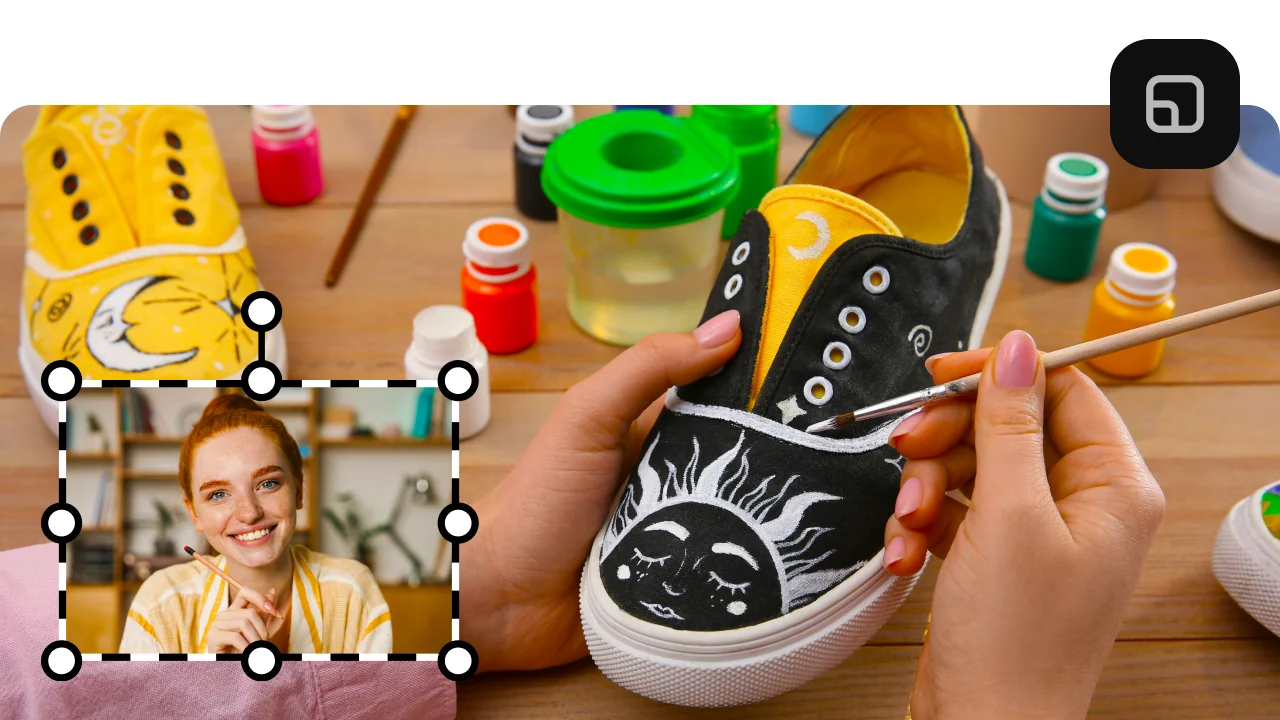
Best for: travel vloggers who want a channel logo in the corner, and families turning wedding or birthday photos into a video.
Why we picked it:
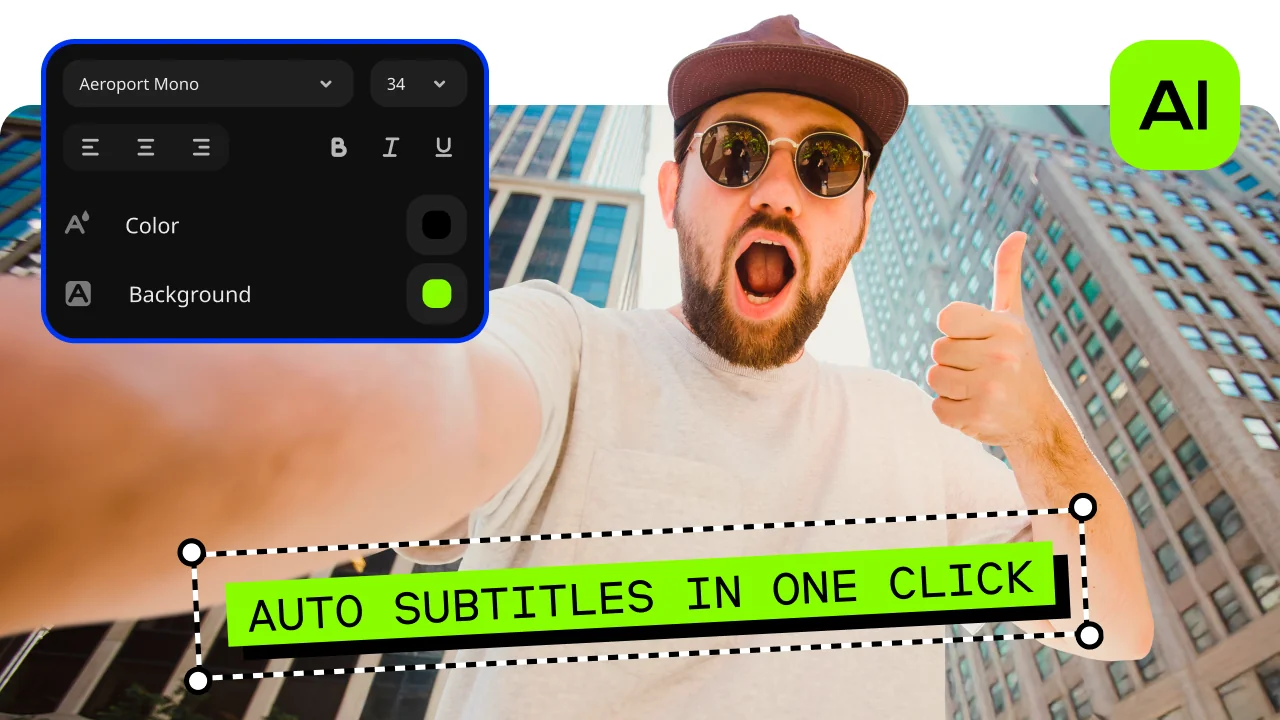
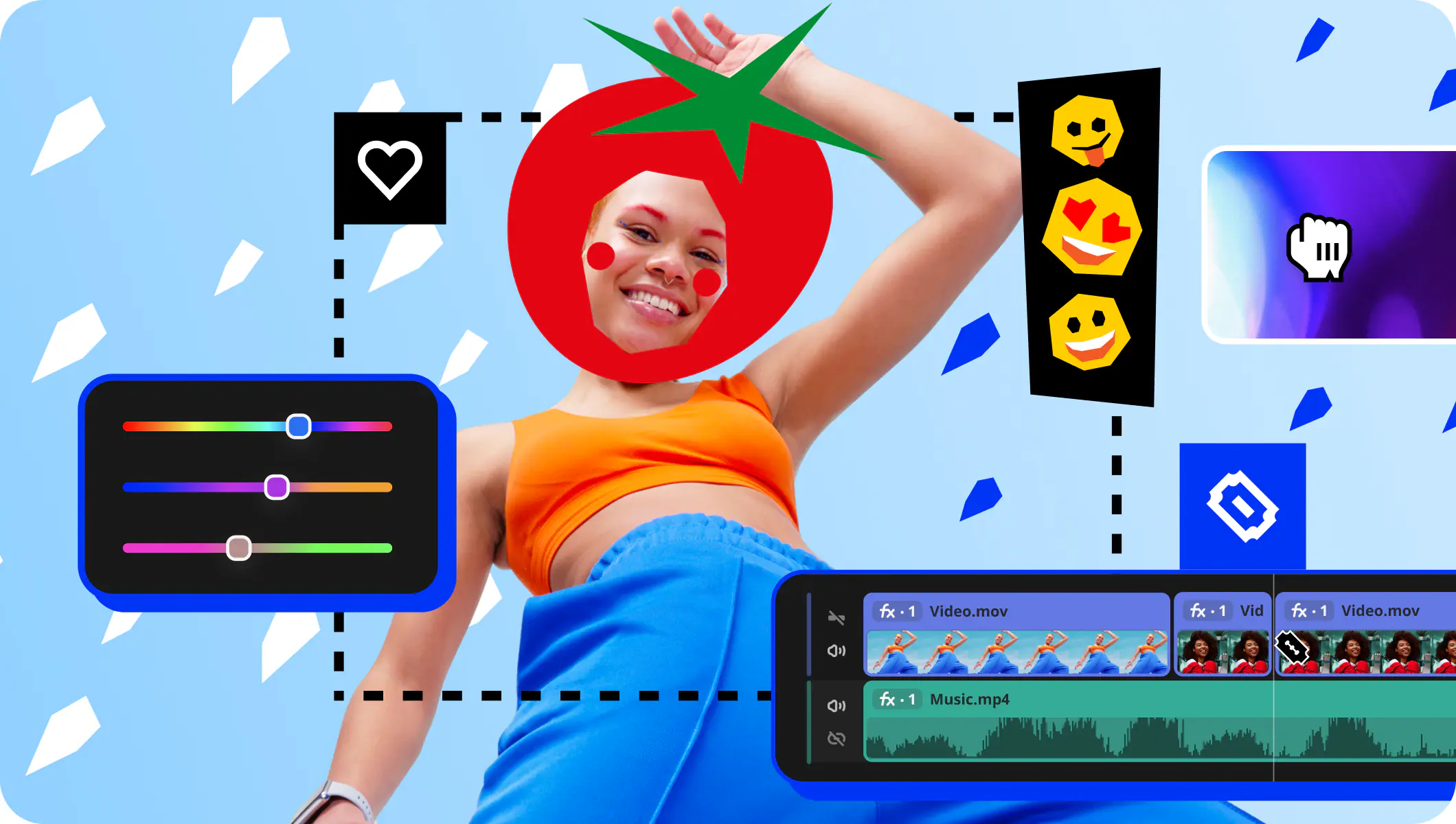
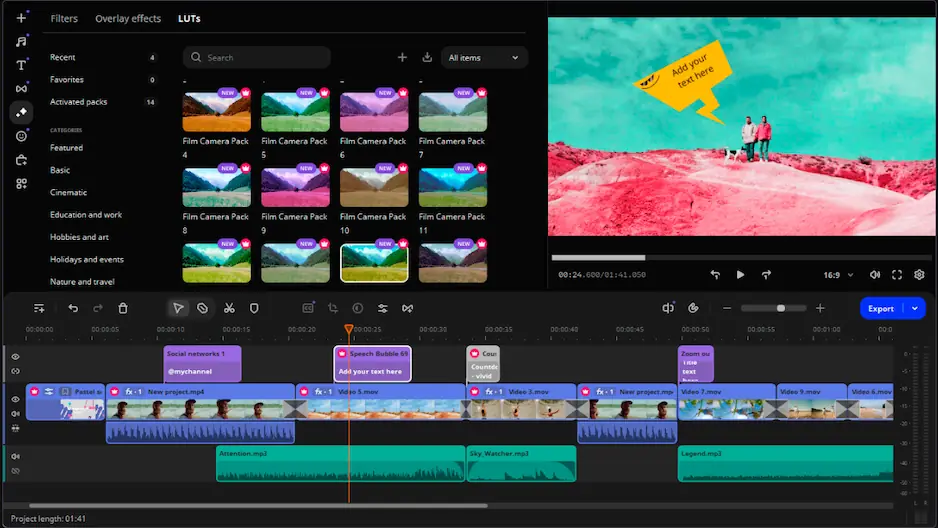
Movavi Video Editor is an intuitive video editor with customizable video templates, one-click AI tools, and hundreds of drag-and-drop effects. It runs as a desktop app on Windows and macOS, and the workflow stays simple and fast: drag a photo onto the timeline, hover over an effect to preview it, pick an overlay mode, and a logo or inset product shot looks finished on the first try. It's the option for when you want more control than a browser tool gives: all five overlay modes, keyframe animation, and offline editing. Movavi Video Templates is a multi-style library of customizable, pro-looking, modular templates for any kind of video.
Key features:
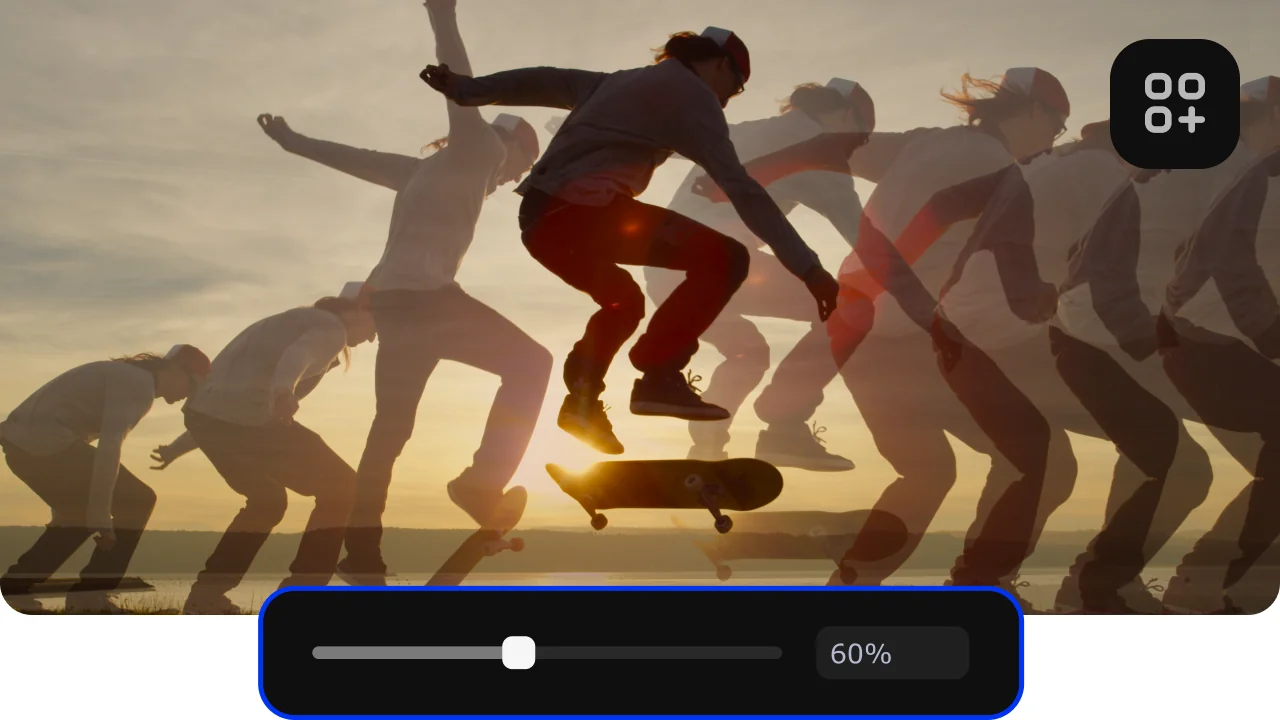
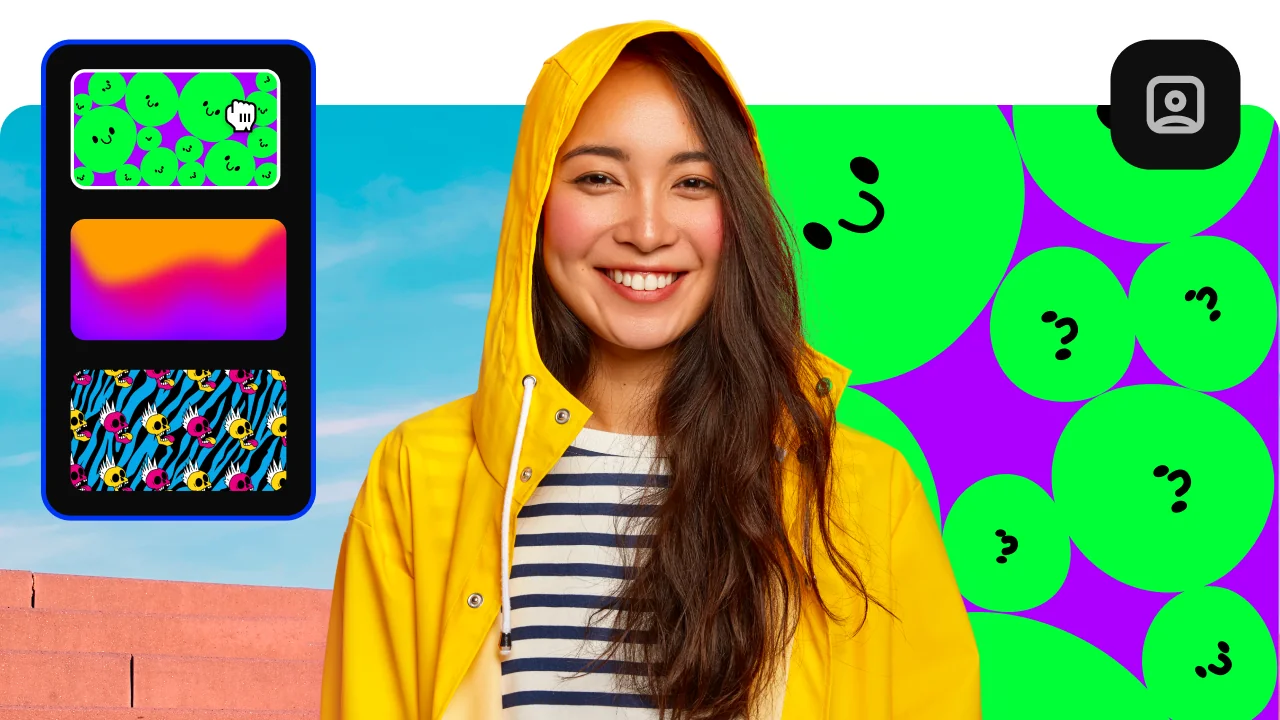
- Five overlay modes: Picture-in-picture, Logo, Side-by-side, Trio (up to three videos in one frame), and Overlap, which replaces the full frame or works with chroma key (removing a green or blue background).
- Watermark/Logo tool: adds an image or text logo with adjustable position, size, opacity, and duration.
- AI Motion Tracking: locks images, video, or graphics to a moving subject in one click.
- Animation: Easy mode presets, or Advanced mode keyframes (set points the editor animates between) for position, size, rotation, spin, and opacity.
- Templates: Each template is a ready-made project made of Blocks, short pre-edited segments where your own photos and clips go. You can keep a template as is, or reorder, add and remove Blocks until the video fits your story. For family photo videos, this guide uses the Slideshow video template and the Birthday video template.