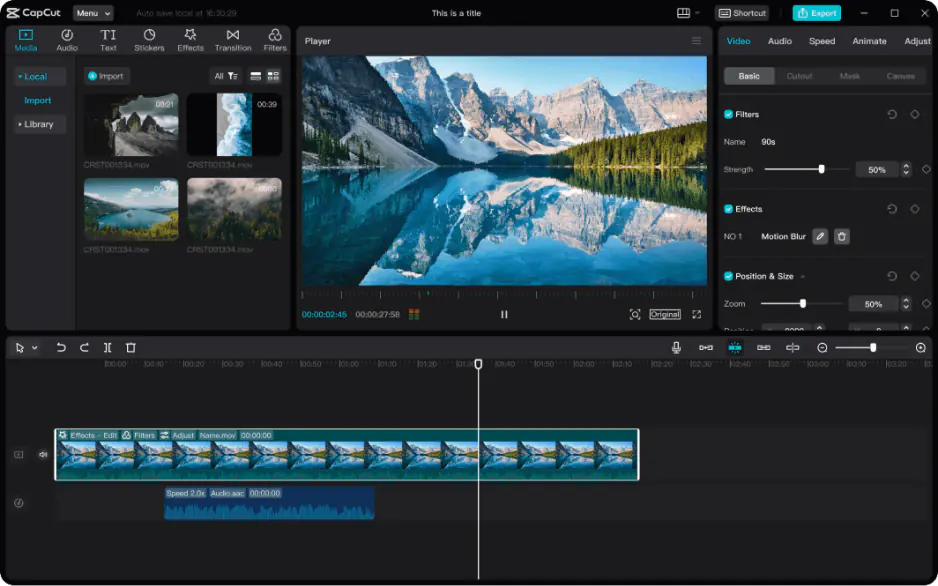
If watermarks and locked features are dealbreakers, several alternative video editors offer completely free experiences without the restrictions found in CapCut. DaVinci Resolve stands out as a professional-grade option, offering advanced color grading, multi-track editing, and visual effects. It’s all available without watermarks or feature paywalls, though it has a steeper learning curve than CapCut.
Kdenlive is another strong contender, providing a fully open-source editing suite with multi-track timelines, keyframe animation, and unlimited exports at no cost. It's particularly popular among creators who want deeper customization without ever hitting a paywall. Similarly, Shotcut and OpenShot are fully open-source editors that include unlimited exports, no watermarks, and consistent updates, making them reliable choices for budget-conscious editors.
For mobile users, InShot and VN Video Editor offer watermark-free exports in their free tiers, along with solid trimming, text, and audio tools comparable to CapCut's basic offerings though template libraries tend to be smaller.
When comparing CapCut Free vs. Pro, these alternatives highlight an important trade-off. CapCut's free plan offers more templates and AI features but includes a watermark, while tools like Resolve or Kdenlive sacrifice some convenience for complete creative freedom. The right choice ultimately depends on whether you prioritize ease of use or unrestricted, professional-level output.