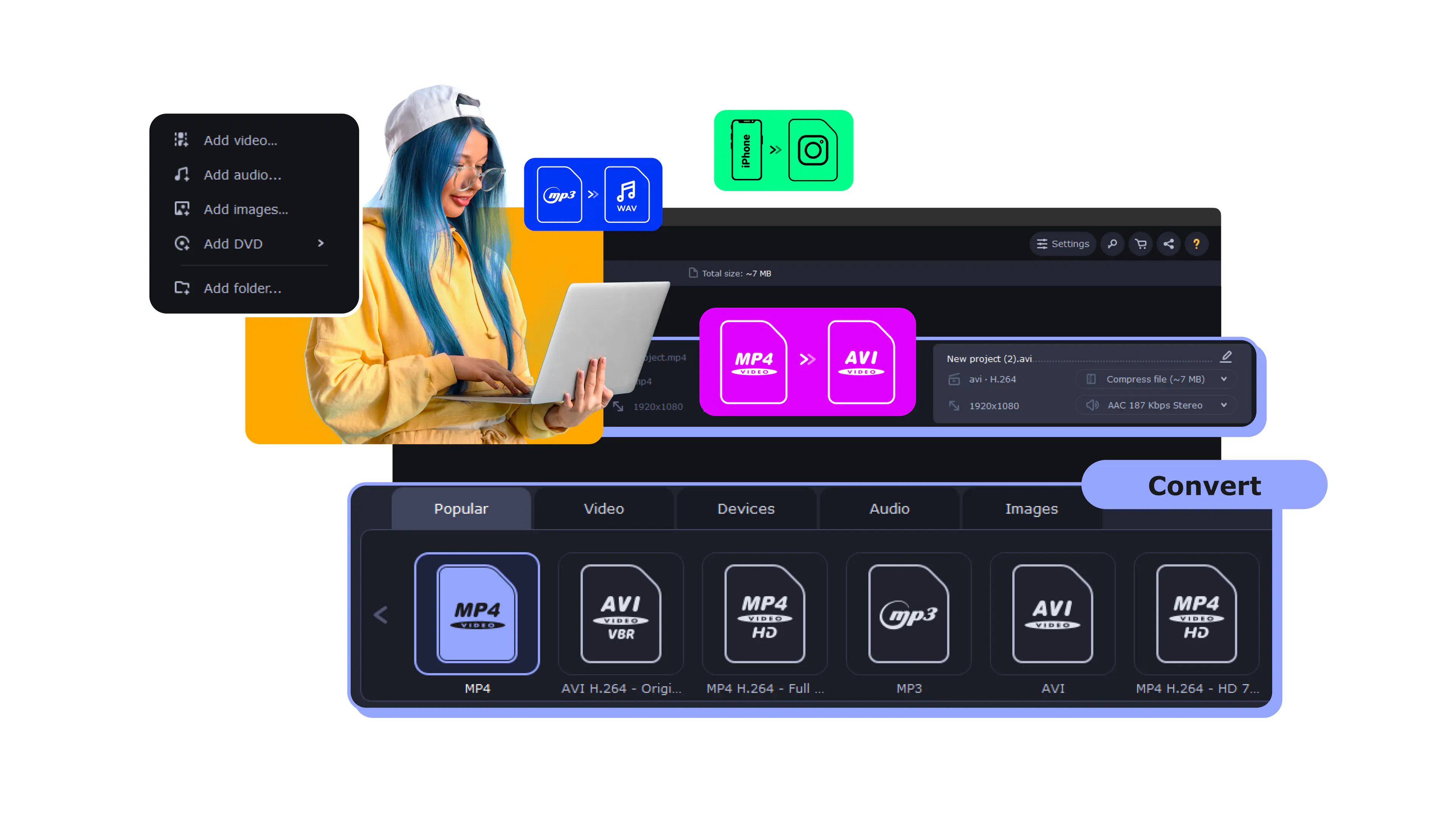
Quick specs
Movavi Video Converter pricing plans
Free trial
$0
60-sec conversion limit
Watermark on output
Limited trial functionality
180+ formats supported
Personal (1 PC)
- 1 month
- 1 year
$19.95
Unlimited conversions
No watermark
Full feature access
180+ formats supported
Business
$94.95
Unlimited conversions
No watermark
Full feature access
180+ formats supported
Multiple PCs
Priority support
Movavi Video Converter is not completely free. The trial limits conversions to 60 seconds with a watermark. Check current prices at movavi.com.
Pros & cons
Pros
- Fast GPU acceleration with NVIDIA, AMD, and Intel support
- Supports 180+ media formats
- Batch conversion for multiple files
- Device presets for iPhone, Samsung, Smart TV
- Supports 4K, 8K and HDR video
- AI upscaling up to 8×
- Beginner-friendly interface
- Built-in trimming and cropping tools
- Works on Windows and macOS
- Lossless compression support
Cons
- Trial limited to 60 seconds with watermark
- Limited advanced encoding controls
- More expensive than most free alternatives
- AI upscaling requires a paid license
- No built-in video downloader
How Movavi Video Converter compares
Screenshots
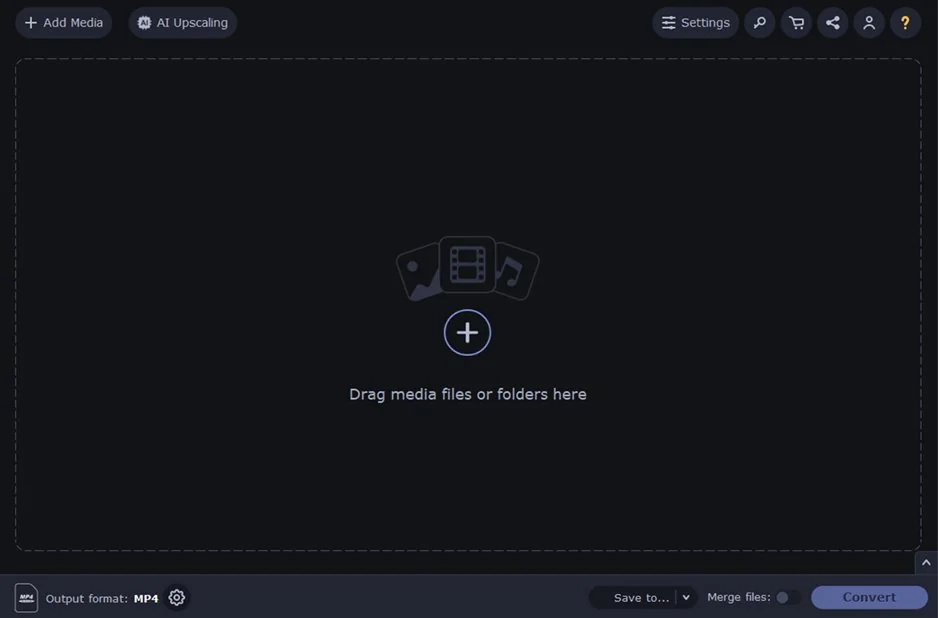
Main interface
Drag and drop files to start converting.
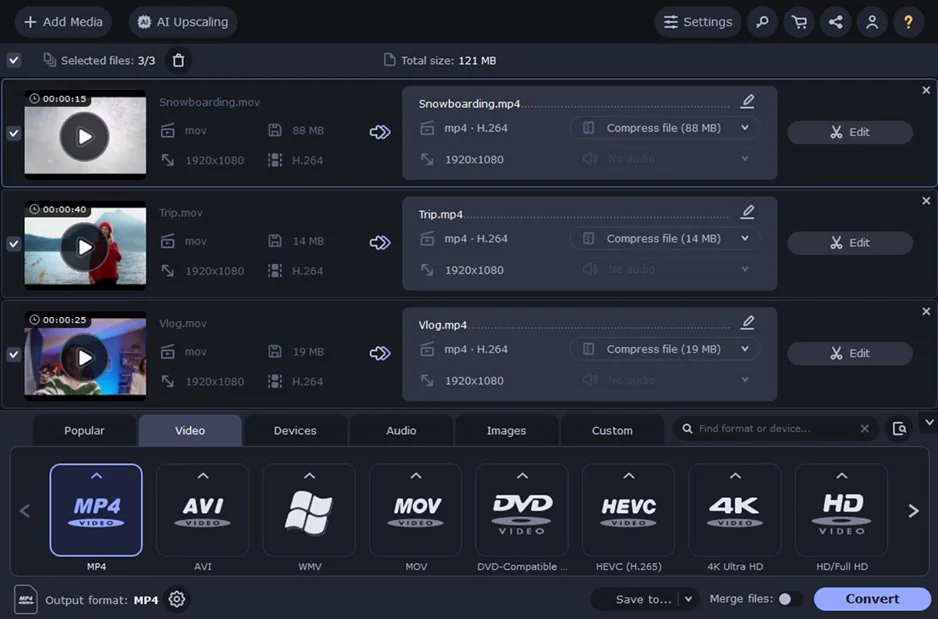
Format selection
Choose from 180+ output formats.
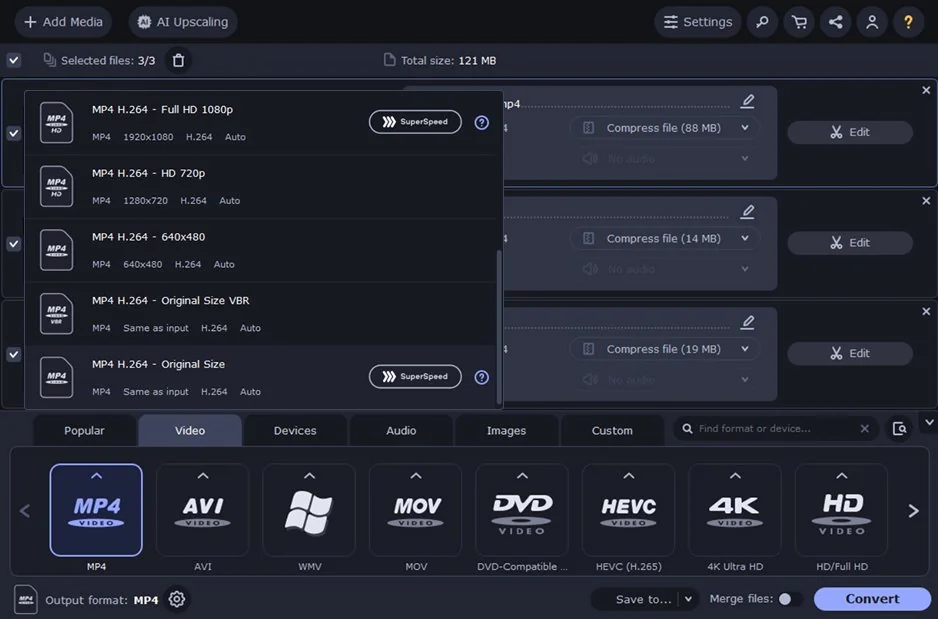
Device presets
iPhone, Samsung, Smart TV and more.
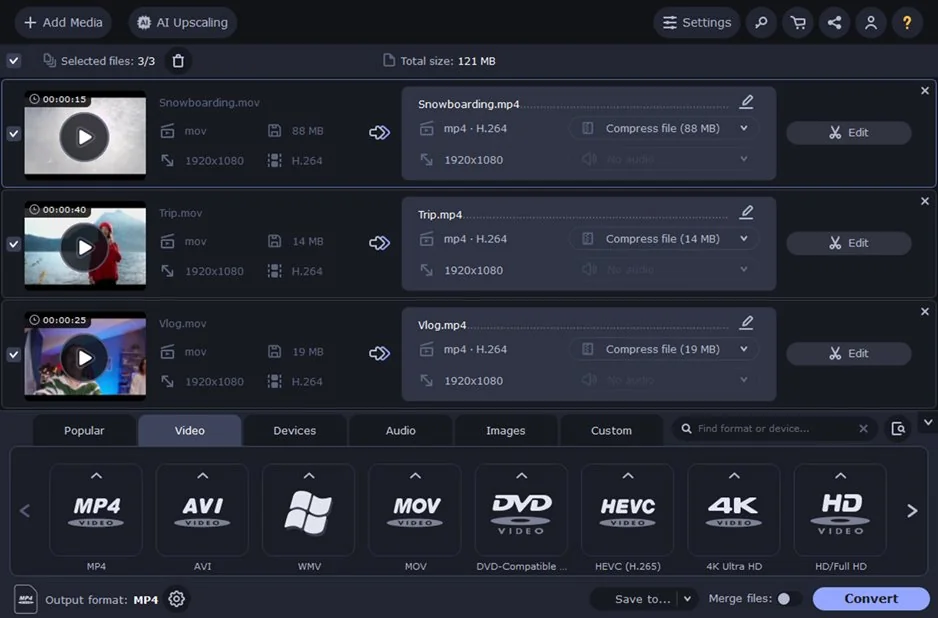
Batch conversion queue
Process multiple files at once.
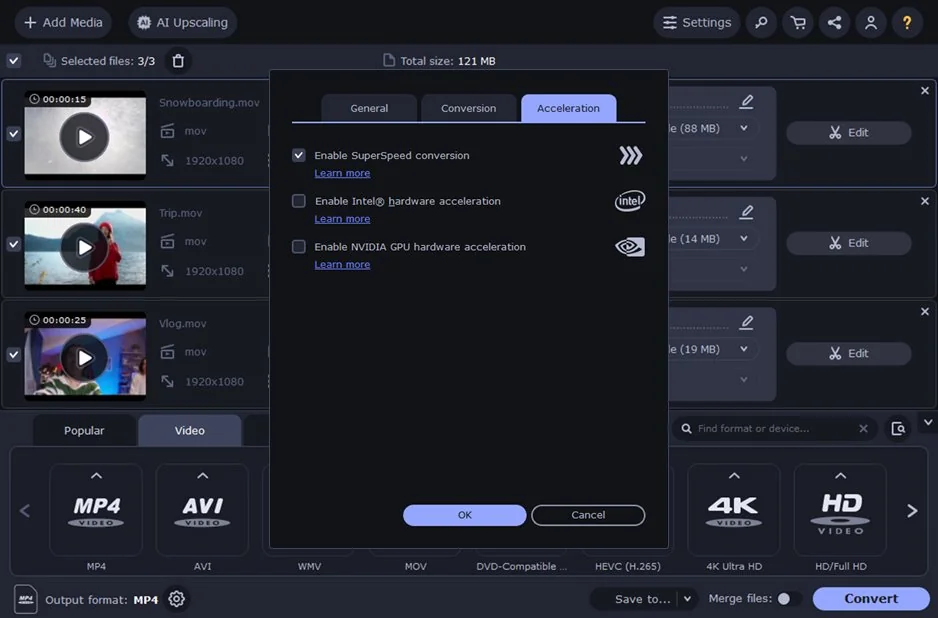
GPU acceleration progress
Real-time hardware conversion.
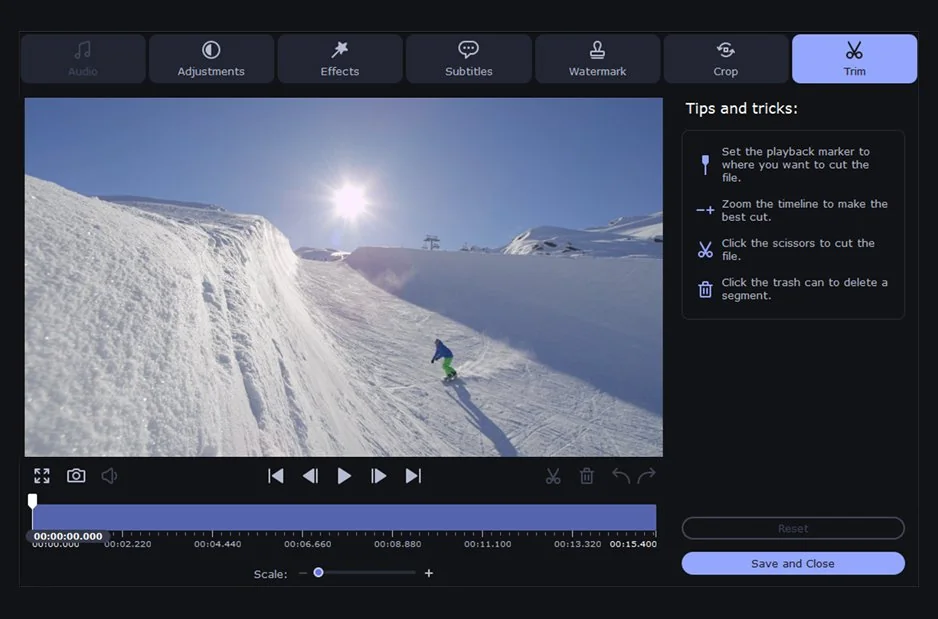
Built-in trimmer and basic editing tools
Overview
Movavi Video Converter occupies a clear niche: it combines speed, ease of use, and broad format support in a way few paid tools manage.
The software focuses on practical media tasks rather than advanced transcoding controls. You get fast conversion, hardware acceleration, compression tools, and a clean interface without the complexity that often comes with professional encoding platforms.
Conversion & formats
The Movavi converter supports more than 180 video, audio, and image formats, including MP4, MOV, MKV, AVI, WMV, WebM, MP3, AAC, and FLAC.
NVIDIA, AMD, and Intel hardware acceleration helps reduce conversion time, especially with large or high-resolution files. Batch processing allows multiple videos to be converted in a single session with identical export settings.
Navigation stays simple throughout the process: import files, choose a format or preset, and start conversion in a few clicks.
Editing & compression
The software also includes several lightweight editing tools for quick adjustments before export. You can trim clips, crop frames, rotate video, extract audio tracks, and apply basic color correction directly inside the converter.
The built-in compressor shrinks large video files without noticeable quality loss. Files take up less storage space and upload faster to websites, cloud storage, and mobile devices.
Older low-resolution footage also looks cleaner on HD and 4K screens thanks to built-in AI upscaling.
Device & platform support
Movavi includes more than 200 presets for smartphones, tablets, game consoles, and Smart TVs. Presets are available for iPhone, iPad, Samsung Galaxy devices, PlayStation systems, and other popular hardware, so you can prepare videos for specific devices without manually adjusting codecs, bitrate, or resolution settings.
The software supports 4K and 8K video conversion on both Windows and macOS, including Apple Silicon Macs. Hardware acceleration is available across supported systems, which helps speed up rendering and export times for large video files.
The layout remains nearly identical across platforms, so switching between systems feels seamless.
Movavi Video Converter is a practical everyday converter for common media tasks. It handles formats quickly, supports a wide range of file types, and avoids overwhelming you with technical settings.
If you regularly work with advanced encoding parameters or professional transcoding workflows, more specialized software will give you deeper control. But for fast conversion, compression, and device-ready exports, Movavi offers a good balance of speed, simplicity, and format support.
What's new in Movavi Video Converter
Top Movavi Video Converter alternatives
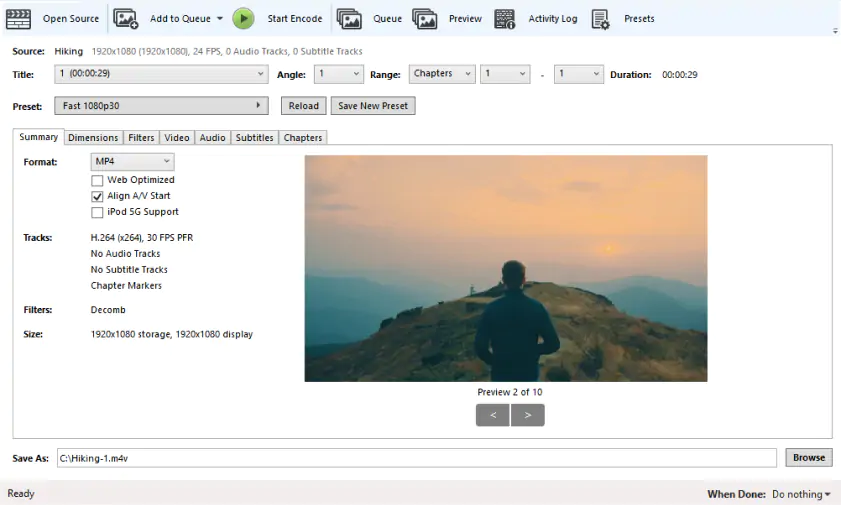
HandBrake
Rating: 4.3/5
Pricing: Free
Offers deeper control over encoding, bitrate, and compression settings.
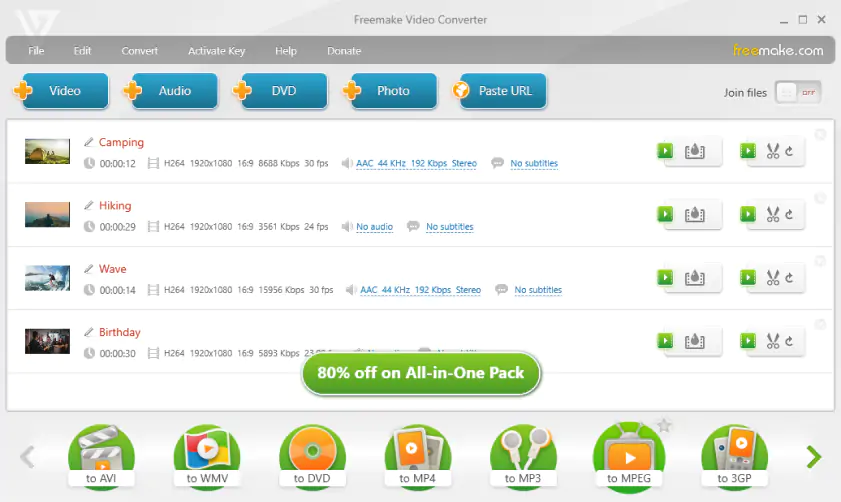
Freemake Video Converter
Rating: 3.8/5
Pricing: Free/paid. Starting at $59.95/month.
Comes with built-in DVD tools and simple video downloading features.
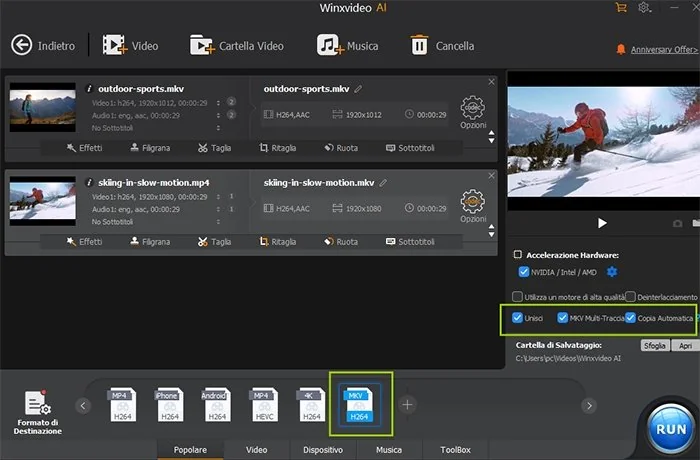
Winxvideo AI
Rating: 4.1/5
Pricing: Free trial/paid. Starting at $39.95/month.
Focuses more heavily on AI enhancement and GPU-powered 4K processing.
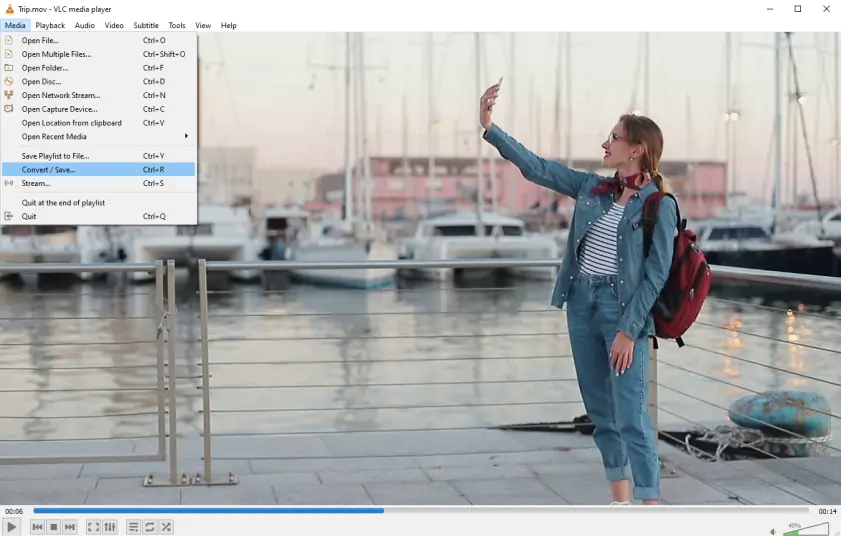
VLC
Rating: 4.0/5
Pricing: Free
Combines media playback and basic video conversion in one lightweight app.
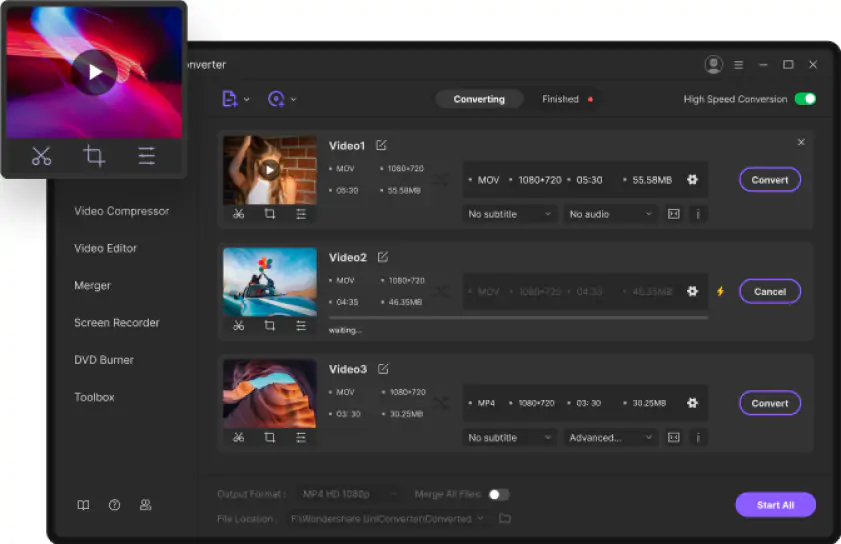
Wondershare UniConverter
Rating: 4.4/5
Pricing: Paid. Starting at $39.99/year.
Adds extra tools like screen recording, downloading, and media management.
User reviews
Overall rating
4.8 out of 5 (based on reviews from G2, Capterra, and Software Advice)
Reviews
System requirements
Windows
OS: Windows 10/11 (64-bit)
CPU: Intel / AMD, 1 GHz+
RAM: 4 GB
GPU: NVIDIA / AMD / Intel supported
Display: 1280 × 768
Disk storage: 120 MB install, 750 MB operation
macOS
OS: macOS 12.0 or later
CPU: Intel / Apple M1+
RAM: 4 GB
GPU: NVIDIA / AMD / Intel supported
Display: 1280 × 768
Disk storage: 140 MB install, 750 MB operation
Frequently asked questions
Is Movavi Video Converter free?
Is Movavi Video Converter free?
Yes, but only as a free download trial version. You can test most of the features, though exported videos are limited to 60 seconds and come with a watermark. The full version starts at around $54.95 per year.
Does Movavi have a watermark?
Does Movavi have a watermark?
It does in the free trial. Every exported file includes a watermark until you activate a paid license. Once you upgrade to the premium version, the watermark disappears completely.
Is Movavi Video Converter safe to download?
Is Movavi Video Converter safe to download?
Is Movavi legit and safe? Yes. Movavi is a legit software company that has been operating since 2004. It’s best to visit Movavi’s official site for Movavi Video Converter download. Unofficial cracked versions found on third-party websites may contain malware or modified installers.
Is Movavi Video Converter better than HandBrake?
Is Movavi Video Converter better than HandBrake?
Movavi keeps the conversion process fast and straightforward. Import a file, pick a format, and export settings are ready almost immediately. It also includes AI upscaling and wider GPU acceleration support.
HandBrake goes much deeper into encoding controls, codecs, filters, and compression settings. That flexibility comes with a more technical interface, especially for newer users. Movavi fits regular conversion tasks better, while HandBrake is aimed more at detailed encoding work.
Which version of Movavi Video Converter should I download?
Which version of Movavi Video Converter should I download?
The latest version from the official Movavi website is the safest choice. Newer builds usually include codec updates, bug fixes, and better hardware support. Current releases work for Windows 10/11 and macOS 12+, including Apple Silicon Macs. The software is available for PC and laptops with modern hardware acceleration support.
What formats does Movavi Video Converter support?
What formats does Movavi Video Converter support?
Movavi supports more than 180 video, audio, and image formats, including MP4, MOV, MKV, AVI, WMV, WebM, HEVC, MP3, AAC, and FLAC. Most common file types open without issues, including older formats that some converters struggle to recognize.
Can Movavi convert 4K and 8K video?
Can Movavi convert 4K and 8K video?
Yes. The software handles both 4K and 8K video conversion, and hardware acceleration helps quite a bit with render times. On larger files, especially 4K footage, the speed difference is noticeable compared to CPU-only conversion.
What is the difference between Movavi Video Converter and Movavi Video Editor?
What is the difference between Movavi Video Converter and Movavi Video Editor?
Movavi Video Converter is mainly focused on converting, compressing, and preparing media files for playback or upload. Video Editor is a much larger editing package with a timeline, transitions, effects, titles, and layered editing tools. If you just need fast format conversion, the converter is enough. If you plan to edit full videos, add music, effects, or transitions, the editor fits the job much better.



1.5M+ users already subscribed to our newsletter