
1. Movavi Video Editor
Best for: an original, one-of-a-kind intro for lifestyle vlogs (daily routines, unboxings, travel videos), gaming videos, and highlight edits.
Price and platforms: Windows and macOS. Free version (60-second export cap, watermark), full version starting at $19.95/month, plus optional Movavi Effects and Movavi Templates subscriptions.
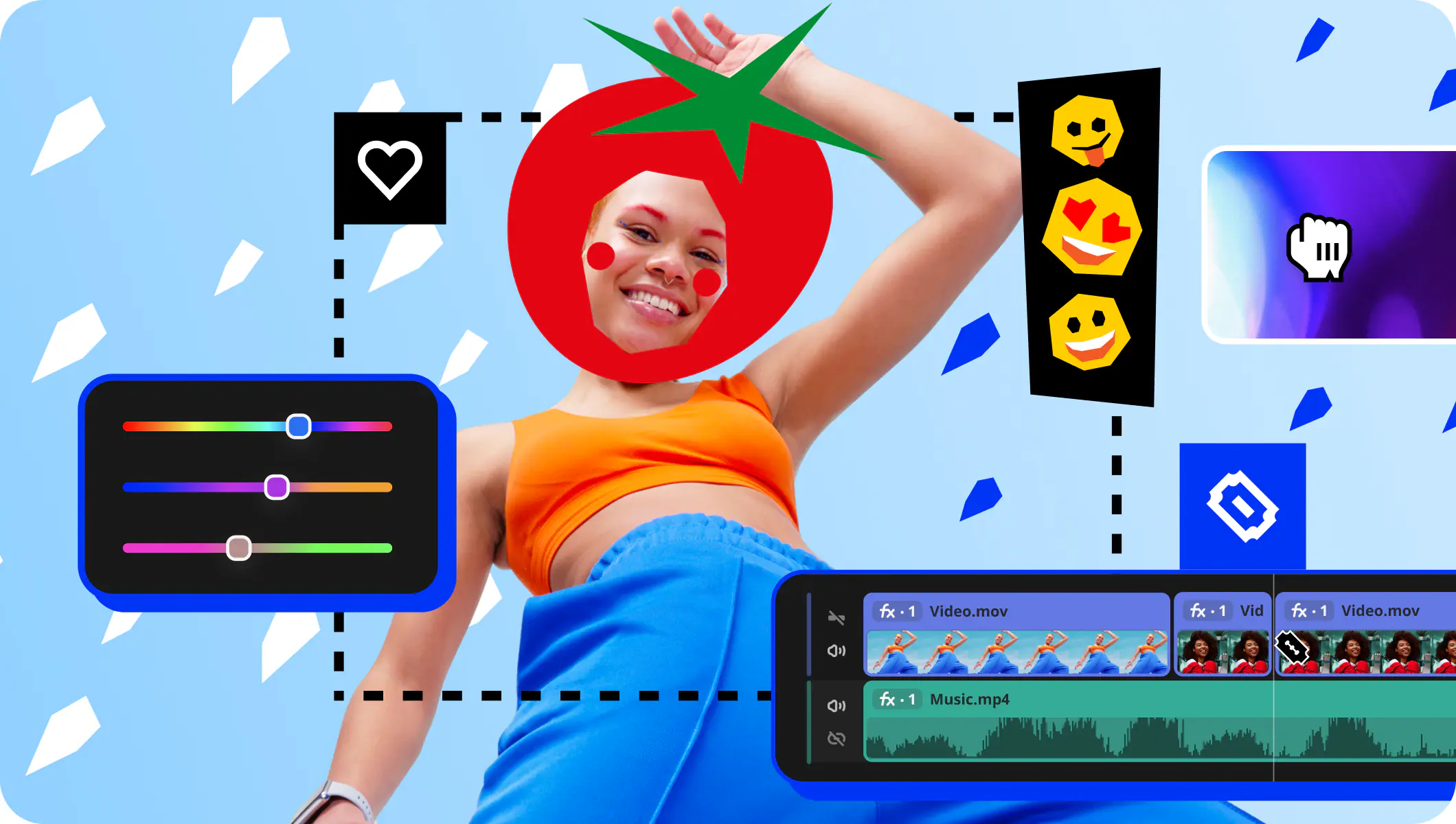
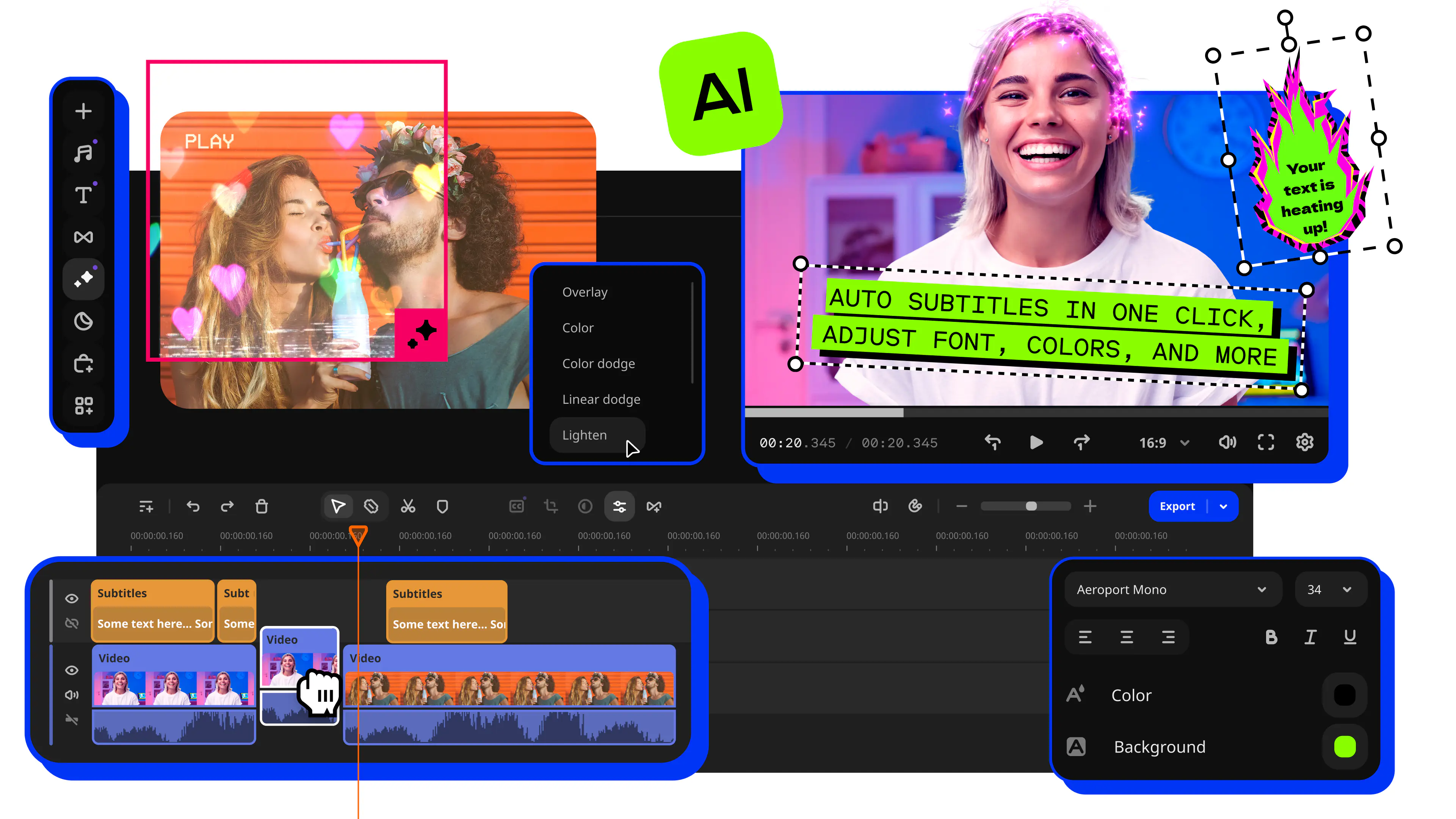
Movavi Video Editor is an intuitive video editor with customizable video templates, one-click AI tools, and hundreds of drag-and-drop effects. It's a desktop app for Windows and macOS, so your intro project stays on your computer, with no account or internet connection needed while you edit.
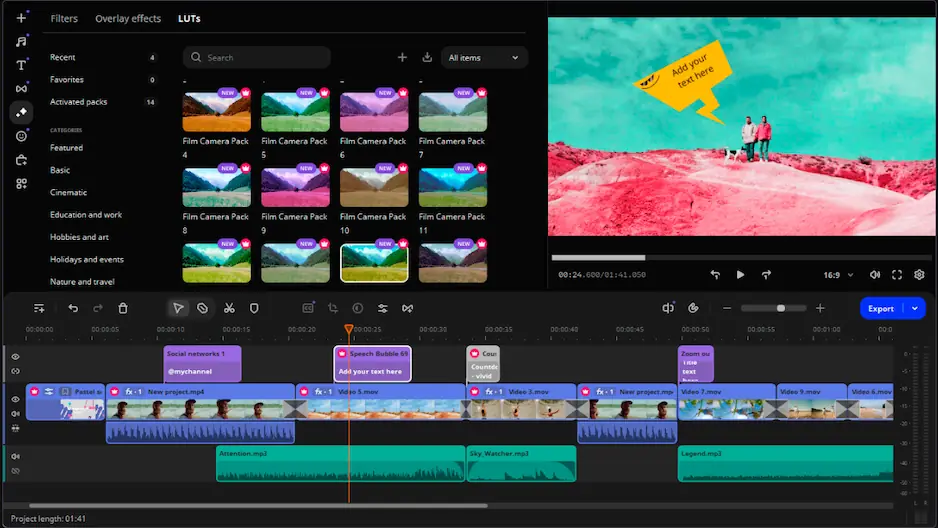
A vlog intro needs your name, your look, and a sound you'll reuse. Movavi Video Templates is a multi-style library of customizable, pro-looking, modular templates for any kind of video. Each template arrives with music, text, transitions, and effects already in place, and it's made of Blocks (short pre-edited segments of the video, such as an intro or a countdown), so once your own clips are in, the first export already has pacing and a soundtrack. Hover previews show an effect on your footage before you drop it on the timeline. The intro also doesn't live in a separate tool: you edit the vlog itself in the same project, from cutting and cropping to color correction and speed changes, and export the finished video with the opener already in place.
Key features:
- Intro templates you can take apart. Start a channel intro from the intro video template or browse the Vlog category. Keep only the Blocks you need, reorder them, add or swap Blocks, and retype the default text in your channel's fonts.
- Logo tool and animation. Add your logo as an image watermark with its own position, size, opacity, and duration, then animate its position, size, rotation, and opacity with presets or manual keyframes. For a gaming intro, AI motion tracking locks the logo to a moving character in your gameplay clip in one click.
- Savable title presets. Set the font, color, outline, and background for your channel name once, save it as a custom preset, and reuse it in every intro and outro.
- Effects for every style. Hundreds of built-in drag-and-drop effects ship with the editor. Optional subscriptions add 10,000+ effects, 1,500+ music tracks, and the full template library, and you can preview any of them on your own footage before buying.
- Direct upload. Export straight to YouTube with the title, description, privacy, and tags set in the export window.