
Alternative: Movavi Video Editor

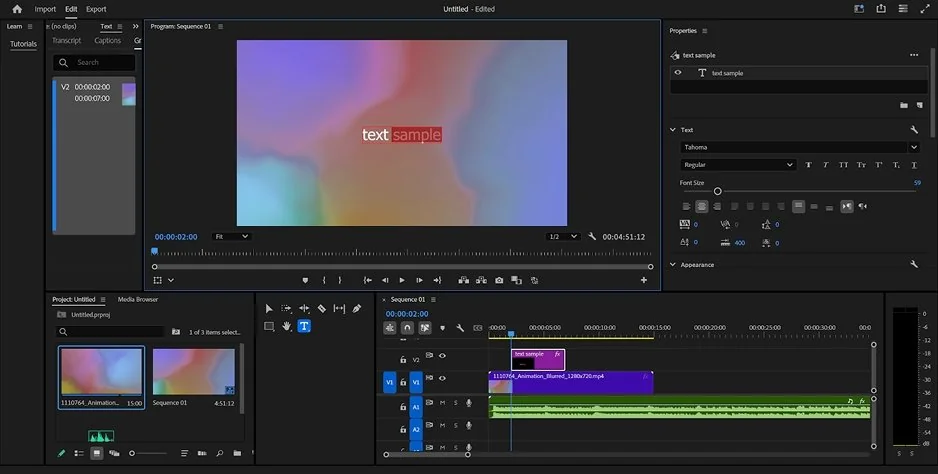
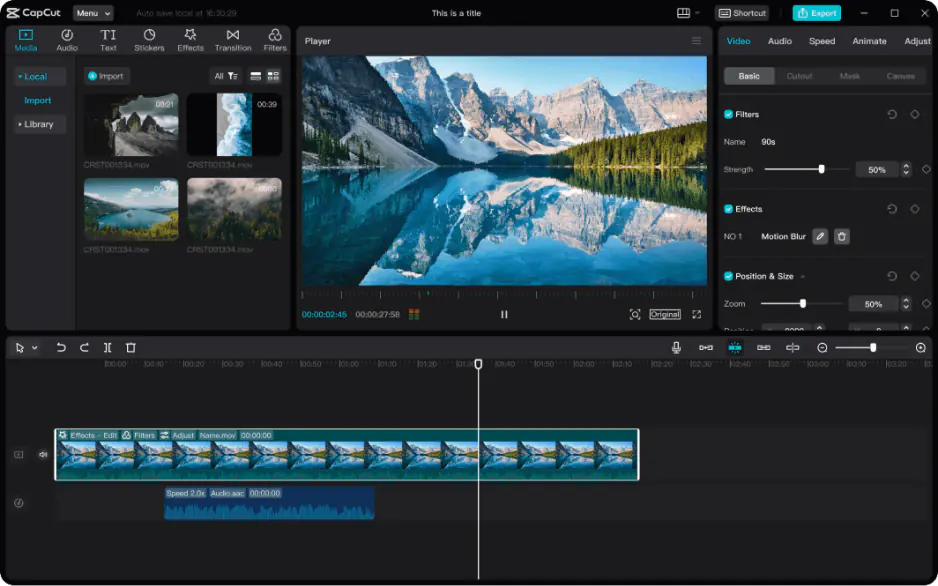
Movavi Video Editor fits into the space between CapCut and Premiere® Pro pretty naturally. CapCut can start feeling boxed in once projects get larger, while Adobe® Premiere® often comes with more setup and interface management than many people actually want for regular editing.
Movavi Video Editor gives you a desktop timeline that feels more open than CapCut’s, but it doesn’t bury simple actions under layers of panels and settings. Add subtitles, stack a few audio tracks, drop in transitions, rearrange clips, the workflow stays fairly straightforward even after projects become busier. It also includes tools like auto subtitles, background removal, and AI enhancement for improving darker or softer footage. Compared to Adobe® Premiere®, there’s less technical overhead before you can begin editing. Compared to CapCut, there’s more room to manage longer edits before the timeline starts feeling cramped.




