
Best for: beauty and skincare creators filming GRWM routines, and DIY makers who want a whole project, first cut to final coat, in one short clip.
Price and platforms: a desktop app for Windows 10 and 11 and macOS 12.0 or later. Movavi Video Editor Free caps exports at 60 seconds and adds a watermark. The full version from $19.95/month removes the watermark and all export limits.
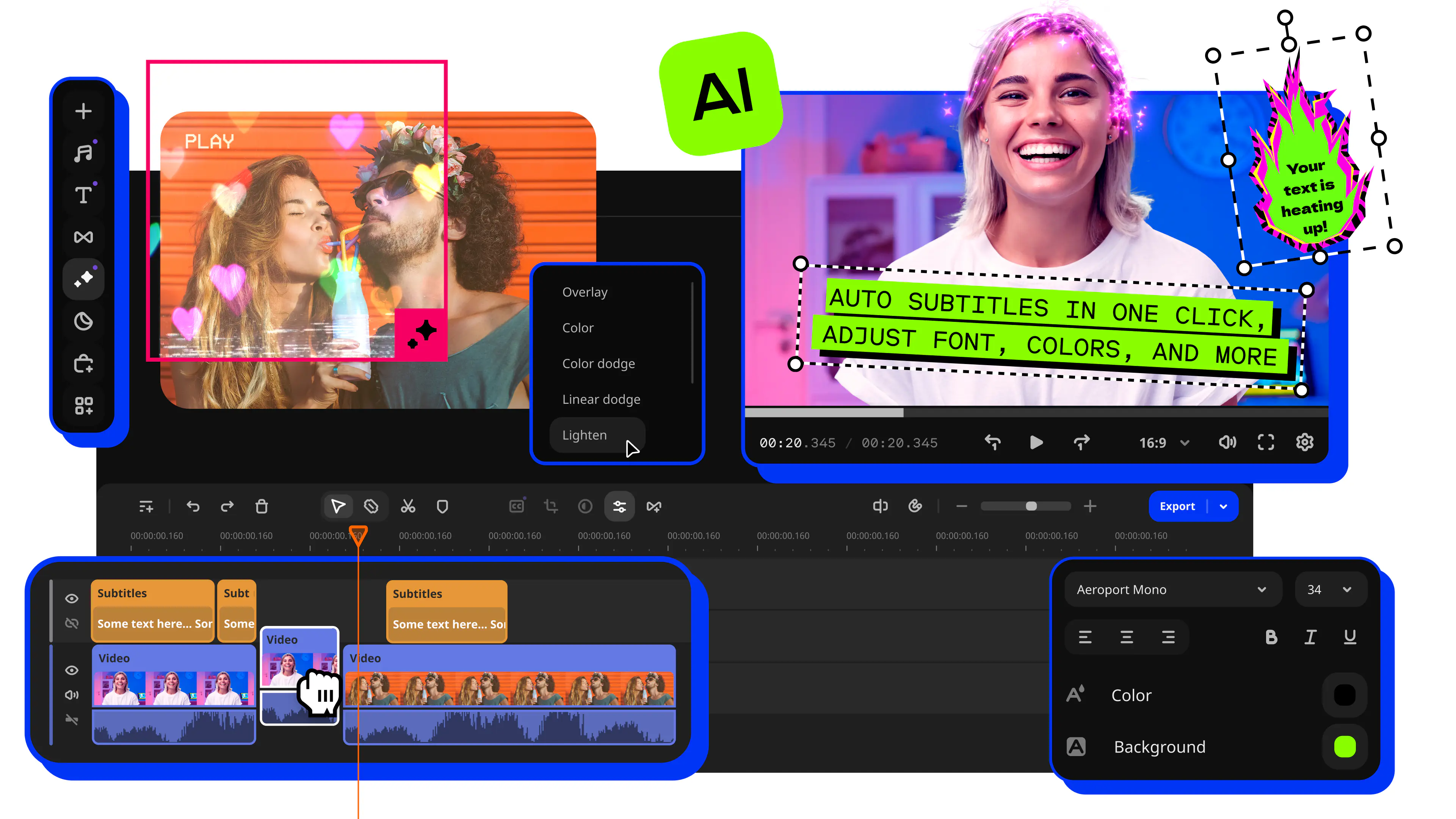
Why we picked it: Movavi Video Editor is an intuitive video editor with customizable video templates, one-click AI tools, and hundreds of drag-and-drop effects. For a GRWM time-lapse, you drop the recording onto the timeline and speed it up, so your whole routine plays back in seconds and looks finished on the first try.
Key features:
- Speed control up to 100x: compresses a long recording into a short time-lapse, and the Original tone option keeps your voice at its natural pitch if you narrate.
- Image duration control: sets one duration for every imported photo at once, so a batch of still images becomes a time-lapse sequence without timing each frame by hand.
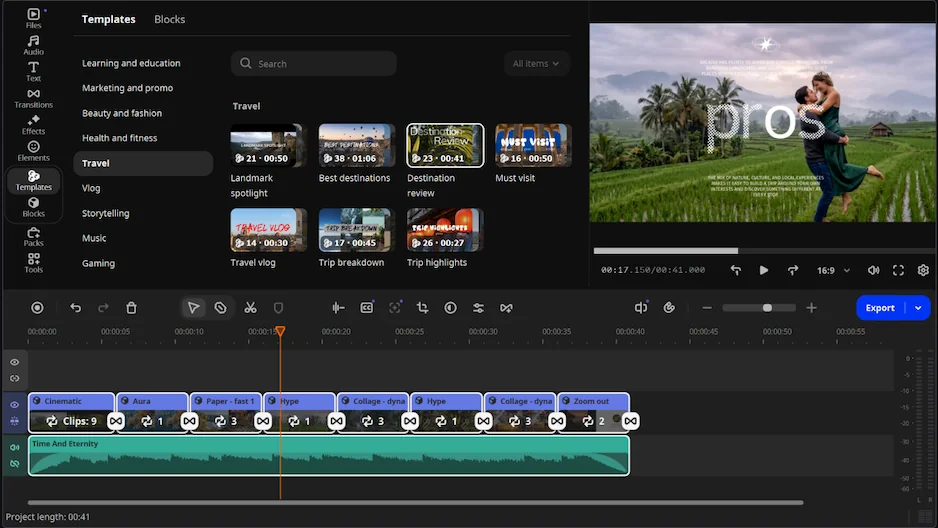
- Templates made of Blocks: Movavi Video Templates is a multi-style library of customizable, pro-looking, modular templates for any kind of video. Each template is a ready-made project of Blocks (short, pre-edited segments of the video) with pre-set editing, music, transitions, and text. Use a template as-is, or reorder, add, and remove Blocks until it fits your routine.
- Movavi Ideas: a free tutorial hub with new editing ideas every week, each with a step-by-step tutorial.
- Movavi Effects: an optional subscription with 10,000+ extra effects and 1,500+ music tracks for every theme and mood, all of which you can preview on your own footage before you buy.